For people with an avatar
Does that outfitfit your avatar?
Pick your avatar and VRCBoost lists the outfits, hair, accessories and more estimated to fit it, by type. Narrow them by how easy they are to set up, whether you may modify them, and sales.
Items listed now, counted about every hour. Sales are VRCBoost's estimates.
What it does for people with an avatar
Start from your avatar
For each avatar (Manuka, Shinano, Milltina and more), browse the outfits, hair, accessories and other items estimated to fit it, by type. You can also open it by typing the avatar's name (in English or Japanese) or the BOOTH link of the avatar itself into the search box.
Browse by avatarNarrow by how easy it is to set up
Pick what you check before buying, with counts: Modular Avatar or VRCFury support, PSD included, modification allowed, Quest support. Item cards show them too, so you can compare right in the list.
Search with filtersKnow whether you may modify it
Modification, commercial use, credit and the rest of the terms: an AI reads them in the description and in the terms documents it links to, and each item page sums them up with links to the original terms.
How VRCBoost estimatesYour avatars' sales first
The top page puts the sales for your avatars first (or for the avatars you viewed last). Sales set on BOOTH or seen as a price drop are marked SALE, those guessed only from the name or tags SALE?, and a price drop shows the price before it.
See the salesSee what is popular and new
Rankings of the items whose likes are rising, popular new items and all-time favourites, by type. Signed in, they are for your avatars and leave out the items you own.
See the rankingsFind your next avatar
The avatar list has BOOTH's 3D characters, sorted by how many items fit them, likes or price, with sales and PSD, modification and Quest filters.
See the avatars
Avatars with the most items
Pick your avatar on the top page →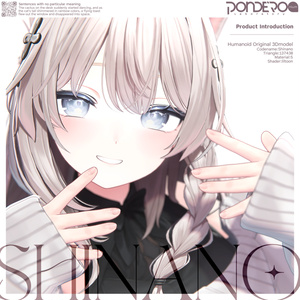
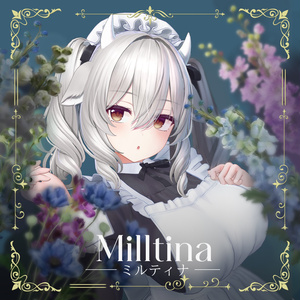

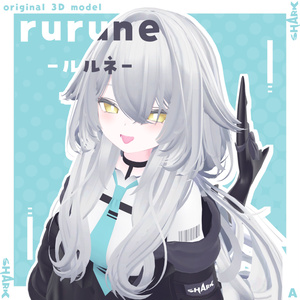
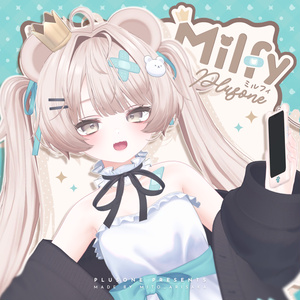
How it works
- 1
Pick your avatar
Open your avatar's page from "Browse by avatar" on the top page, or by typing its name into the search box.
- 2
Narrow by type and conditions
Choose a type (outfits, hair, accessories…), conditions such as Modular Avatar support or modification allowed, a price or sales. The filters stay in the address, so you can share it as it is.
- 3
Check on BOOTH and buy
Follow "View on BOOTH" to the item's BOOTH page, check the avatars, price and terms there, and buy it.
Sign in for more
Sign in with Discord or Google.
- Register the avatars you own and the search, sales and new items are narrowed for them from the start.
- Register the items you own and they leave the lists. You can register many at once by pasting your BOOTH library page.
- Save the filters you use as favourites, and get their new items and your avatars' sales in a daily notification.
- Follow shops to see their new items in My page and on the top page.
- Make an outfit for one avatar: its items by type, whether each fits (estimated), the total price and what sales save. Share it if you like.
- Mark items you own as "worked well" and post photos of them in use (where the shop accepts photos).
Made to be trusted
Estimates show their grounds
Compatible avatars, the terms in brief and sales are VRCBoost's estimates. Each shows where it was found and links to the item page and the terms. Prices and availability follow the BOOTH item page.
No copied images or descriptions
Item images are shown straight from BOOTH's servers and never stored by VRCBoost. Descriptions are not shown, and items are bought on BOOTH.
Every shop alike
The order follows only conditions such as newest, likes and price; no shop is favoured. Advertisements (PR) are marked "PR" and shown apart from the results.
All-ages items only
Only all-ages items are handled; R-18 items are neither read nor listed.